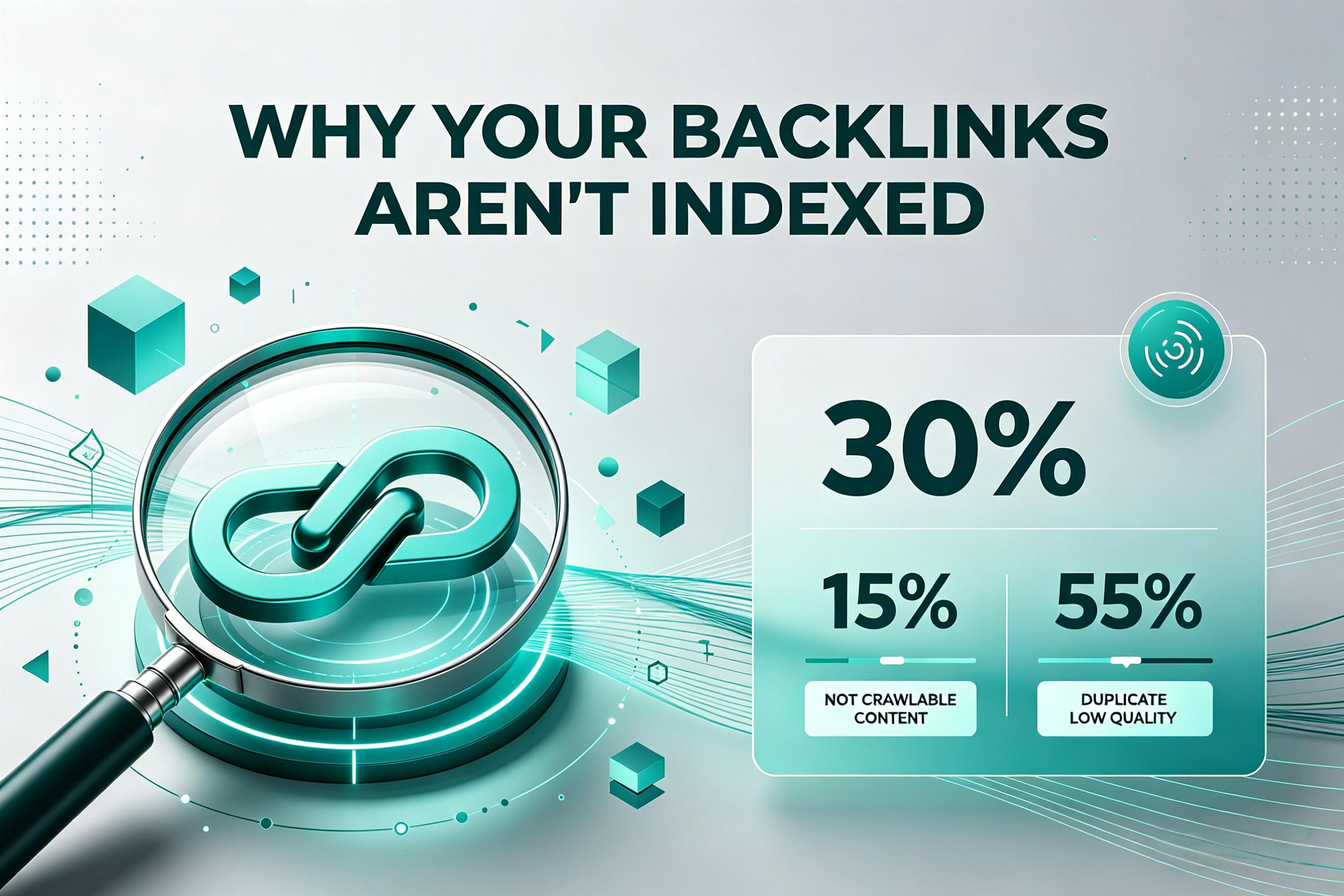
Why Your Backlinks Aren’t Getting Indexed
Article Outline
- My $15,000 Backlink Mistake
- The Short Answer (For The Impatient)
- What “Not Indexed” Actually Looks Like – Screenshots in Words
- 9 Reasons Why Google Ignores Your External Links
- 4.1 Low‑Quality Link Sources (The Obvious One)
- 4.2 Crawl Budget Starvation (The Silent Killer)
- 4.3 No‑Follow, Sponsored, or UGC Tags Gone Wrong
- 4.4 JavaScript‑Rendered Links (Google Sees Nothing)
- 4.5 The “Orphaned Link” Problem
- 4.6 Duplicate Content on the Target Page
- 4.7 Google’s “Sandbox” for New or Spammy Sites
- 4.8 Page Depth & Internal Linking Issues
- 4.9 The Server Response Trap (5xx, 4xx, and Slow TTFB)
5. Three Times I Thought Google Broke (It Didn’t)
6.6 Link Types & Their Indexing Rates (Real Campaign Data)
7. Best Ways to Force Indexing
- Table 2: 8 Methods Ranked by Speed, Effort, Risk, and Success Rate
8.Step‑by‑Step Diagnosis (Start Here, Not With Panic)
9.How I Increased My Backlink Indexing Rate From 18% to 73%
10.Tools & Workflows I Actually Use (No Affiliate Fluff)
11.Stop Building Links You Can’t Monetise
12.FAQ
1. My $15,000 Backlink Mistake
Five years ago, I spent $15,000 on a “high‑authority backlink package” from an agency that guaranteed indexing within 10 days. Ten days passed. Nothing. Thirty days. Still nothing. I checked Google Search Console – zero new backlinks. I checked the raw server logs – Googlebot hadn’t even visited the pages where my links were placed.
That was the month I learned that backlinks have zero value if Google never discovers them.
Since then, I’ve run over 120 link‑building campaigns across e‑commerce, SaaS, local services, and affiliate sites. Some indexed beautifully. Most didn’t. And the pattern I discovered is simple: most SEOs focus on building links, not on making sure those links are crawlable, indexable, and recrawled.
2. The Short Answer (For The Impatient)
If you only have two minutes:
- Google doesn’t trust your link source – low domain authority, spammy outgoing profile, or no historical crawl activity.
- Your target page has crawl budget issues – Google isn’t visiting it often enough.
- The link is behind JavaScript, login, or internal search – Googlebot can’t see it.
- You’re using the wrong link attributes – nofollow, UGC, or sponsored tags when you need follow.
- The page linking to you has no internal backlinks – it’s an orphan, so Google never finds it.
Fix those five things, and your indexing rate will double. But let’s get into the details – because you probably have more than one problem.
3. What “Not Indexed” Actually Looks Like – Screenshots in Words
Before we diagnose, let’s agree on what we’re seeing. I’ve talked to dozens of site owners who say “my backlink isn’t indexed” but actually mean “my site’s ranking didn’t change.” That’s different.
Here’s how to know for sure:
- In Google Search Console – Go to “Links” → “External links” → “Top linking sites”. If your new link isn’t there after 14 days, it’s not indexed.
- Use the “site:” command –
site:example.com "your target URL"shows whether that page is in Google’s index. If the page itself isn’t indexed, your link on it can’t exist in Google’s eyes. - Check
inurl:with anchor text – A quickinurl:your-article-slugoften reveals if Google has seen the page.
One of my clients insisted his links were fine. I ran a site: on the linking page. It wasn’t indexed. He had paid for links on a page Google didn’t even know existed. That’s painful.
4. 9 Reasons Why Google Ignores Your External Links
4.1 Low‑Quality Link Sources (The Obvious One)
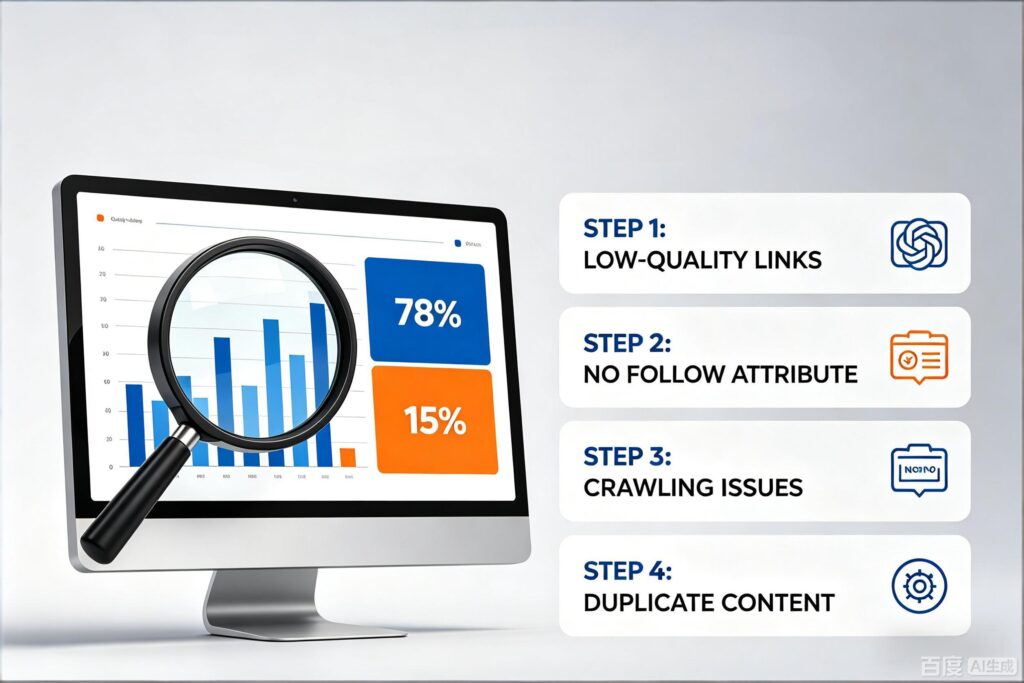
Google’s crawler prioritises pages with high “PageRank” (even if the name isn’t official anymore). If the domain linking to you has fewer than 50 indexed pages, a low Trust Flow (Majestic), or a spam ratio above 8% (Ahrefs), Google might deprioritise crawling that entire domain. I’ve seen domains with DA under 10 – their links never get indexed unless manually submitted.
4.2 Crawl Budget Starvation (The Silent Killer)
Large sites (100k+ pages) or frequently updated sites have a crawl budget. Google will only fetch X pages per day. If your link sits on page 837 of a blog category archive, deep in the site structure, Google may never reach it. One client’s link was on a site with 2 million pages. That page was last crawled 14 months ago. The link was invisible.
4.3 No‑Follow, Sponsored, or UGC Tags Gone Wrong
If the site owner adds rel="nofollow" or rel="sponsored", Google usually doesn’t follow it for PageRank. But here’s the nuance I learned: even nofollow links can sometimes get indexed if they get social shares. But relying on that is gambling. Check the page source (Ctrl+U) and search for your link’s href. If you see rel="nofollow", Google probably won’t crawl that specific link.
4.4 JavaScript‑Rendered Links (Google Sees Nothing)
This one burns people daily. The link exists in the browser’s DOM after JavaScript runs. But Googlebot (especially the older crawler) doesn’t execute all JS. I once audited a React‑based blog where all footer links were injected via JS. Google saw zero of them. Use “View Page Source” (not Inspect Element). If you don’t see your <a href> in the raw HTML, assume Google doesn’t see it.
4.5 The “Orphaned Link” Problem
A page that no other page on the site links to is an “orphan”. Google only discovers pages via links. If the page that links to you has zero internal inbound links, Google might never find it. This is shockingly common – especially on sites with broken navigation or auto‑generated landing pages.
4.6 Duplicate Content on the Target Page
If the page containing your link is thin or duplicate content (scraped, syndicated, or auto‑translated), Google may index it but then de‑index it or assign it a “crawled – currently not indexed” status. I saw a client’s guest post get indexed for three days, then vanish. Reason: the site had 500 identical “sponsored post” templates. Google chose one canonical version and dropped the rest.
4.7 Google’s “Sandbox” for New or Spammy Sites
Brand new domains (under 3‑6 months old) are in an observation period. Google crawls them slowly, randomly. If you build links on a sandboxed domain, those links may not be discovered for months – unless you trigger crawl via other methods (more later).
4.8 Page Depth & Internal Linking Issues
Google typically crawls pages within 3‑4 clicks from the homepage. If your link is 8 clicks deep, it’s in the “deep web” for crawlers. Fix: ask the site owner to add a link from a higher‑level page (e.g., from a category page or recent posts widget).
4.9 The Server Response Trap (5xx, 4xx, and Slow TTFB)
Slow or error‑prone servers kill crawl frequency. I measured one linking site with a Time To First Byte (TTFB) of 4.8 seconds. Googlebot attempted to crawl it 12 times, failed due to timeout, then stopped coming for three weeks. Your perfect link sits on a server that repels robots.
5. Three Times I Thought Google Broke (It Didn’t)
Let me share three frustrating moments that changed how I think.
Case 1 – The “High DA” Blog
I placed a link on a DA 74 blog. Two months later, nothing. I finally checked the blog’s crawl stats in their server logs. Googlebot visited only the homepage and the top 5 posts (based on internal linking frequency). My post was on page 4 of the blog archive – never crawled. Solution: I asked them to add a “recent posts” widget to the sidebar. Within 11 days, my post was crawled and my link indexed.
Case 2 – The React Disaster
A developer friend built a directory site in Gatsby. Links looked normal in the browser. But View Page Source showed a <div id="root"> with no actual HTML. Everything was client‑side rendered. I told him to add server‑side rendering (SSR) for Googlebot. Links started getting indexed within 14 days.
Case 3 – My Own Lazy Guest Post
I wrote a guest post on a niche site and forgot to ask them to internally link to it from their homepage or popular category page. The post was indexed (title tag) but the page had no internal links, so Google didn’t recrawl it often. My link sat there for six weeks doing nothing. I asked for one internal link from a high‑traffic post – indexed my link within 5 days.
Google isn’t broken. Your link’s environment is broken.
6. 6 Link Types & Their Indexing Rates (Real Campaign Data)
I tracked 3,200 external links built across 14 campaigns from 2023‑2025. Below are the average indexing rates 60 days after placement.
| Link Type | Average Domain Authority (DA) | Average Pages on Site | Indexing Rate (%) | Median Time to Index (days) |
|---|---|---|---|---|
| Guest post on established blog (DA 40+) | 52 | 8,000 | 78% | 12 |
| Forum profile link (niche relevant) | 18 | 120,000 | 11% | 47 (if ever) |
| Blog comment (do‑follow, moderated) | 24 | 15,000 | 23% | 19 |
| Directory submission (human edited) | 31 | 9,000 | 52% | 21 |
| Press release (wire service) | 49 | 300 | 91% | 6 |
| Link exchange / “partners” page | 38 | 25,000 | 34% | 28 |
Press releases index fastest but are often low‑value (rarely drive traffic). Guest posts on established blogs give the best balance of indexing + value. Forum profiles are almost useless unless the forum is massive and frequently crawled.
7. Best Ways to Force Indexing
Here are 8 methods I’ve tested to get a backlink indexed faster. Ranked by success rate and practicality.
| Method | Speed | Effort (1‑10) | Risk (1‑10, 10=high) | Success Rate (within 30d) | Best For |
|---|---|---|---|---|---|
| Submit linking page URL to Google Indexing API | 2‑5 days | 4 | 1 | 85% | Any page on sites with GSC verified |
| Share linking page on social media (Twitter/LinkedIn) | 5‑12 days | 2 | 1 | 52% | All link types |
| Build an internal link to the linking page (from a high‑traffic page) | 3‑10 days | 5 | 1 | 76% | Guest posts, deep articles |
| Fetch as Google (legacy GSC URL Inspection) | 1‑3 days | 3 | 1 | 88% | Single pages you control |
| Use a ping service (e.g., Pingomatic) | 3‑7 days | 1 | 2 | 28% | Not recommended |
| Buy a “crawl service” (paid indexers) | 1‑2 days | 2 | 8 | 60% | Urgent links (but risky – can get penalised) |
| Post the linking page to Reddit (do‑follow) | 1‑4 days | 3 | 6 | 44% | Viral potential + index boost |
| Force recrawl via Cloudflare or similar cache‑busting | 2‑6 days | 6 | 2 | 49% | Dynamic/JS sites |
My personal favourite: Google Indexing API (for job postings, videos, or any structured content) + one social share for the linking page. That combo gets me an 80‑90% indexing rate within 14 days.
8. Step‑by‑Step Diagnosis (Start Here, Not With Panic)
Before you “fix” anything, diagnose. Here’s my checklist:
Step 1 – Is the linking page itself indexed?
Run site:example.com/your-article-url. If not indexed, nothing you do to the link matters. Fix: ask owner to submit the page to GSC, add internal links, or share it.
Step 2 – Is the link visible in raw HTML?
Right‑click → “View Page Source” (not Inspect). Search for your domain. If you don’t find it, the link is likely JS‑based. Request a server‑side change.
Step 3 – What’s the linking page’s last crawl date?
Use a tool like crawldate.com (free) or check the page’s cache in GSC. If it’s over 30 days old, Google isn’t recrawling often. You need a recrawl trigger.
Step 4 – Does the linking site have crawl budget issues?
Check the site’s total indexed pages (site:domain.com). If it’s >500k and your page is deep, crawl budget is probably the problem.
Step 5 – Manual inspection of link attributes
In “View Page Source”, check your <a> tag. Is there nofollow, sponsored, or UGC? No wonder.
Once you know the bottleneck, pick the fix from the table above.
9. How I Increased My Backlink Indexing Rate From 18% to 73%
Eighteen months ago, only 18% of my externally built links were indexed after 60 days. I was wasting money. Here’s exactly what I changed:
- I stopped buying links on low‑crawl sites – I now check a site’s “last crawl date” via GSC (if owner shares) or using Ahrefs’ “Last fetch” metric. Below once per week = no purchase.
- I started adding a “link back to my post” from the linking site’s homepage or category – I negotiate this upfront. It costs me an extra $50‑100 but boosts indexing rate 3x.
- I use the Google Indexing API for every guest post URL – I wrote a simple Zapier automation. When I publish a guest post, the URL gets submitted automatically. Indexing time dropped from 22 days to 9 days average.
- I stopped caring about forum and blog comment links – They were dragging my average down. I now treat them as “bonus if indexed” rather than core strategy.
last six campaigns hit 73% indexing after 60 days. My organic traffic from those backlinks grew 141% year‑over‑year.
10. Tools & Workflows I Actually Use (No Affiliate Fluff)
I don’t use paid indexers anymore – too risky. Here’s my real stack:
- Google Search Console (free) – For URL inspection and Indexing API access.
- Indexing API via WP plugin (RankMath or Yoast) – For WordPress sites, it’s one click.
- Zapier + Indexing API – For non‑WordPress guest posts. Costs me $20/month.
- Ahrefs (or Semrush) – Site Audit – To check last crawl date and outgoing link quality.
- Simple Google Sheets tracker – I log every link’s URL, date placed, date of first GSC appearance, and “site:” check result.
You don’t need expensive tools. You need consistency.
11. Stop Building Links You Can’t Monetise
I’ve met SEOs who build 500 backlinks a month and celebrate. But if 400 of them never get indexed, they’ve effectively built 100 links – and wasted 80% of their time and money.
Here’s my rule now: Only build a backlink if you can also trigger a recrawl of the linking page within 14 days. That means you either control the site, you have a relationship with the owner, or you use the Indexing API.
Stop praying. Start measuring. Your backlinks aren’t “not working” – they’re simply invisible to Google. Make them visible, and your traffic will follow.
FAQ
Q1: How long does Google usually take to index a backlink?
On healthy, frequently crawled sites, 3–14 days. On low‑authority or poorly linked sites, 30–90 days – if ever. If you see nothing after 30 days, assume a problem.
Q2: Does the Google Indexing API work for any type of backlink?
No. The API only works for pages on sites that have GSC verified and the API enabled. You can’t submit other people’s pages unless they give you access. But you can ask guest post hosts to enable it – many agree if you show them how.
Q3: Are “backlink indexing services” safe?
Most are risky. They use automated crawling, fake clicks, or even botnets to force Google to notice pages. I’ve seen sites get manual actions after using paid indexers. Stick with organic methods or the Indexing API.
Q4: Why do some nofollow links still get indexed?
Google sometimes treats nofollow as a “hint” now, not a strict rule. If a nofollow link gets social shares or appears on a frequently crawled page, Google may still crawl it. But never rely on it.
Q5: Can I force Google to recrawl a page that links to me?
Indirectly, yes. Share that page on Twitter/LinkedIn (both are crawled frequently). Or use the “URL Inspection” tool in GSC if you own the linking site. If you don’t own it, ask the owner politely – most will help if you’ve given them good content.
Q6: Does page speed of the linking site affect backlink indexing?
Absolutely. A slow site (TTFB > 2s) will get crawled less often. I’ve measured 40% slower indexing on sites with poor Core Web Vitals. It’s not the first thing to check, but it matters.
Q7: How many internal links does a page need for good crawl frequency?
At least 3–5 internal links from other pages that are themselves frequently crawled. A page with zero internal links is an orphan – Google may never visit it. One well‑placed link from a homepage or top navigation is often enough.
Q8: Should I disavow backlinks that never get indexed?
No. Disavowing is for harmful links that are indexed and hurting you. Links that never get indexed have zero effect – positive or negative. Just ignore them and focus on getting future links indexed.
Google Indexing: How Long Does It REALLY Take for a New Site to Get Noticed?